
Learning how to pass data between fragments in Android is a core skill for app development learners. In modern Android apps, you’ll almost always use the Navigation Component, the Fragment Result API, or a shared ViewModel to send data from one fragment to another. In this beginner-friendly guide, we’ll explain what each option is, when to use it, and how to implement it step by step in Kotlin (with brief Java examples where helpful). By the end, you’ll know the easiest and safest ways to pass strings, IDs, and even small custom objects between fragments—without falling into common pitfalls.
Quick answer: Which method should you use?
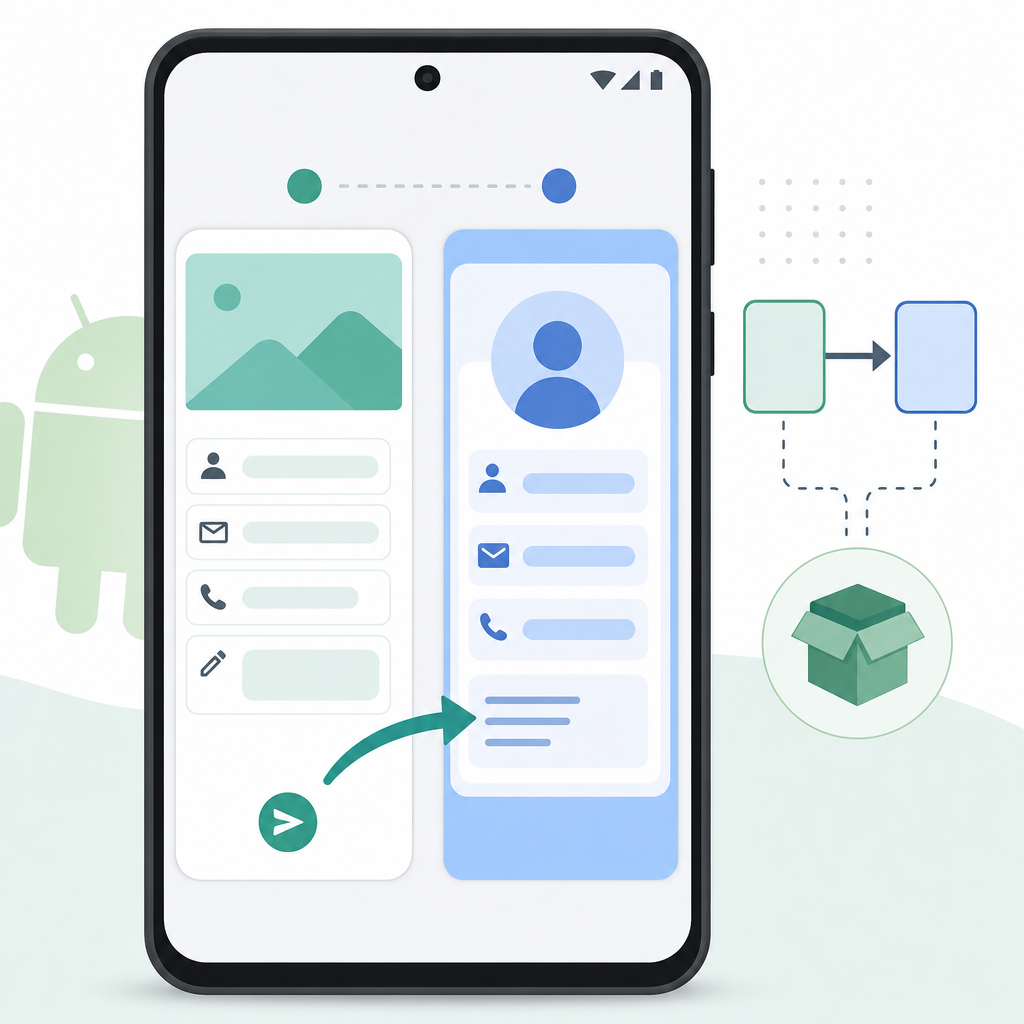
- Safe Args (Navigation Component): Best for forward navigation (e.g., ListFragment → DetailFragment). Type-safe, compile-time checked arguments and easy access with
navArgs(). - Shared ViewModel: Best for ongoing shared UI state across multiple fragments (e.g., a selection that multiple screens display). Scope it to the activity or navigation graph.
- Fragment Result API: Best for one-time return values (e.g., EditFragment returns a result to the previous fragment). Decoupled and lifecycle-aware.
| Method | Primary use case | Direction | How to send | How to receive | Watch-outs |
|---|---|---|---|---|---|
| Safe Args (Navigation) | Forward navigation between destinations | Source → Destination | findNavController().navigate(Directions) |
by navArgs() or SavedStateHandle in ViewModel |
Requires nav graph & plugin; keep args small; prefer Parcelable |
| Shared ViewModel | Ongoing shared UI state across fragments | Bidirectional (read/write in both) | Update state (e.g., sharedVM.select(id)) |
Observe LiveData/Flow in each fragment | Scope correctly (activityViewModels/navGraphViewModels); not for one-off returns |
| Fragment Result API | One-time result back to previous/parent | Child → Parent/Previous | setFragmentResult(key, bundle) |
setFragmentResultListener(key) |
Keys must match; payloads small; not for long-lived state |
These are the recommended approaches in 2026. Avoid deprecated patterns like setTargetFragment and don’t pass large objects through Bundles.
Prerequisites and setup

Before you start, add the Navigation and Lifecycle dependencies and enable Safe Args and Parcelize in your project. Use the latest stable versions in your Gradle files.
Module-level build.gradle.kts
Create a navigation graph resource (e.g., res/navigation/nav_graph.xml) and host it in your activity with a NavHostFragment.
- Use Safe Args for forward navigation; define
<argument>innav_graph.xml. - Prefer passing IDs/URIs; for small objects use @Parcelize (Parcelable).
- Keep Bundles small to avoid
TransactionTooLargeException. - Scope a shared ViewModel with
activityViewModels()ornavGraphViewModels(graphId). - Collect flows with
repeatOnLifecyclein fragments to be lifecycle-safe. - Read nav args inside a ViewModel via SavedStateHandle for process-death resilience.
- For returning a value, use the Fragment Result API (
setFragmentResult+setFragmentResultListener). - Test process death: enable “Don’t keep activities” in Developer options and verify state restoration.
- Keep Navigation/Fragment libraries updated; align KTX versions.
Method 1: Pass data with Navigation Component Safe Args
Safe Args is the most beginner-friendly and robust way to send data from one fragment to another. It generates type-safe classes for your arguments, catching mistakes at compile time and making your code easier to read.
Step 1: Define your fragments and arguments in nav_graph.xml
Step 2: Send data from one fragment to another
Inside ListFragment, navigate to DetailFragment with the generated directions class. This is the “send data from one fragment to another” part.
Step 3: Receive arguments with navArgs()
In DetailFragment, use by navArgs() to access your arguments. This is typed and null-safe.
Bonus: Read args from a ViewModel with SavedStateHandle
To survive process death and keep logic testable, read navigation args inside a ViewModel using SavedStateHandle. Safe Args generates helpers like DetailFragmentArgs.fromSavedStateHandle(handle).
Scope the ViewModel to the fragment or navigation graph:
Java snippet: pass data between fragments (Safe Args)
If you’re learning Java, here’s the equivalent “pass data between fragments android java example.”
Method 2: Share data between fragments with a shared ViewModel
Use a shared ViewModel when you want multiple fragments to observe and update the same piece of UI state (e.g., a selected item that various screens react to). This avoids bundling data repeatedly and integrates well with flows and lifecycle.
Create a SharedViewModel
Get the shared ViewModel in both fragments
Scope it to the Activity (or to a navigation graph) so both fragments receive the same instance.
Compose tip
If your fragments host Jetpack Compose UIs, collect ViewModel state in Compose:
This approach is ideal to “share data between fragments using a shared ViewModel” without passing bundles repeatedly.
Method 3: Return a one-time result with the Fragment Result API
Use the Fragment Result API when a child fragment needs to return a result to a parent or previous fragment—similar to an activity result, but entirely within a FragmentManager. Results are queued until a listener reaches STARTED state, so you won’t miss them on configuration changes.
Listen for a result
Send the result from the child fragment
This is the recommended alternative to the old, deprecated setTargetFragment pattern.
Passing custom objects: @Parcelize and best practices
You can pass small custom objects by marking them Parcelable. In Kotlin, use @Parcelize to avoid boilerplate. However, keep arguments small—pass IDs or URIs when possible and load data in the target fragment via a repository or ViewModel.
Declare the argument in your nav_graph.xml with the fully qualified type:
Then navigate:
And receive it:
Important notes:
- Avoid Serializable for performance; prefer Parcelable/@Parcelize.
- Don’t pass large objects or bitmaps in Bundles; you risk
TransactionTooLargeException. - Prefer IDs/URIs, then load the full data in the destination fragment or ViewModel.
onUserClicked(id, name)
navigate(Directions)
args via navArgs() + ViewModel
navigate(editor)
setFragmentResult(key, bundle)
popBackStack()
listener receives result
Putting it all together: A beginner flow
Here’s a simple beginner tutorial to pass data from one fragment to another using Safe Args, share selection with a ViewModel, and return an edit result:
- ListFragment displays a list. On click, it both:
- Updates
SharedViewModel.select(id)so other screens know which user is selected. - Navigates to
DetailFragmentand passesuserId(and optionallyuserName) via Safe Args.
- Updates
- DetailFragment reads
argswithnavArgs(), and ViewModel reads the same values viaSavedStateHandle. - EditorFragment lets the user change the name, then returns the result to
DetailFragmentusing the Fragment Result API.
ListFragment (send args + update shared state)
DetailFragment (receive args, observe shared state, open editor)
EditorFragment (return one-time result)
Common pitfalls and best practices
- Choose the right channel: Safe Args for forward navigation; Fragment Result API for a one-time return; Shared ViewModel for ongoing shared state.
- Keep Bundles small: Prefer IDs/URIs; load full data in the destination. Avoid bitmaps and large payloads.
- Prefer @Parcelize over Serializable for custom objects, and use it sparingly.
- Use SavedStateHandle in ViewModels for reading nav args and surviving process death.
- Scope ViewModels correctly:
activityViewModels()for app-wide sharing;navGraphViewModels()for graph-local sharing. - Avoid deprecated approaches: Don’t use
setTargetFragmentor activity-styleonActivityResultfor fragment-to-fragment communication. - Stay up to date: Navigation and Fragment libraries continue to improve type-safety and SavedState integration; keep your dependencies current.
Output / Result
After following this guide, you will be able to:
- Navigate from ListFragment to DetailFragment while passing a
userIdand optionaluserNameusing Safe Args. - Share a selected user ID across multiple fragments using a shared ViewModel, surviving configuration and process death via SavedStateHandle.
- Open an EditorFragment and return a one-time updated name back to DetailFragment using the Fragment Result API.
FAQ
What is the easiest way to pass data between fragments in Android?
For forward navigation, the easiest and safest method is the Navigation Component with Safe Args. It gives compile-time checked, type-safe arguments and simple accessors via navArgs().
How do I use a Bundle to send data from one fragment to another?
You can still use a Bundle with setArguments() and getArguments(), but Safe Args generates Bundle code for you in a type-safe way. Prefer Safe Args to avoid key typos and type mismatches.
How can I pass data between fragments using a shared ViewModel?
Scope a ViewModel to the activity or a navigation graph and expose state via LiveData or StateFlow. Both fragments obtain the same ViewModel instance and read/write shared state without Bundles.
What is Safe Args and how do I use it to pass arguments in the Navigation Component?
Safe Args is a Gradle plugin that generates classes for navigation directions and arguments. Define <argument> tags in your nav_graph.xml, then call the generated Directions action with parameters and read them in the destination using navArgs() or fromSavedStateHandle() in a ViewModel.
Can I pass custom objects between fragments, and what is the best practice?
Yes, but keep them small and Parcelable (use @Parcelize). Best practice is to pass IDs or URIs and load the full object in the destination via a repository/ViewModel to avoid large Bundles.
Sources / Further reading
- Pass data between destinations (Navigation)
- Communicate with fragments
- FragmentResultListener (API)
- androidx.navigation package summary (navGraphViewModels)
- Saved State module for ViewModel
- SavedStateHandle (API)
Wrap-up
To recap, if you’re wondering how to pass data between fragments in Android today, start with Safe Args for navigation, a shared ViewModel for ongoing state, and the Fragment Result API for one-time callbacks. Keep arguments small, prefer @Parcelize for lightweight custom types, and use SavedStateHandle for process-death resilience. With these modern patterns, your code will be safer, clearer, and easier to maintain.