
If you are learning Java OOP basics, one concept you must master is the difference between abstract class and interface in Java. Both let you design clean, reusable code using abstraction and polymorphism, but they solve different problems. In this guide for students and beginners, you’ll learn what each one is, when to use each, and how to choose for your project—with simple examples you can run right away.
- Choose an abstract class when you need shared state (fields), constructors, or protected helpers for a related family of classes.
- Choose an interface when you need a capability contract that many unrelated classes can adopt, or when you want multiple inheritance of type and lambdas.
- It’s common to mix both: an abstract base class for shared logic + multiple interfaces for pluggable capabilities.
Difference Between Abstract Class and Interface in Java (Quick Summary)
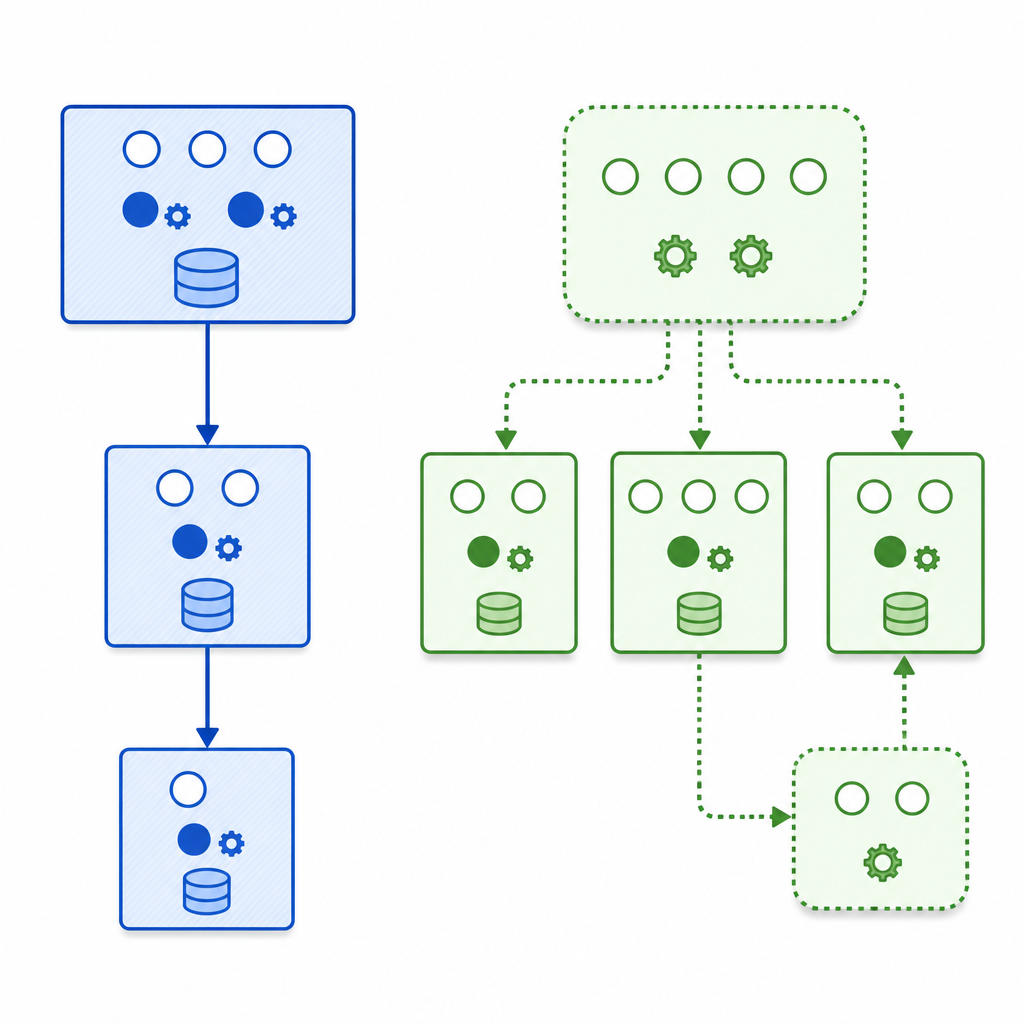
Here’s a clear, beginner-friendly comparison of abstract class vs interface in Java for beginners. We will dive deeper with examples after this table.
| Feature | Abstract Class | Interface | Notes |
|---|---|---|---|
| Purpose | Share state and behavior across related classes | Define a capability/contract any class can implement | Abstract class = “is-a base”; Interface = “can-do” |
| Instantiation | Cannot be instantiated | Cannot be instantiated | Both are incomplete types |
| State (fields) | Can have instance fields | Only constants (public static final) | No instance state in interfaces |
| Constructors | Allowed | Not allowed | Abstract class constructors run via subclass |
| Methods | Abstract and concrete methods | Abstract, default, static, and private methods | Default methods provide bodies in interfaces |
| Access modifiers | public, protected, package-private, private | Methods are public or private only | Interface fields are always public static final |
| Inheritance | Single inheritance: extends one class | Multiple: a class can implement many interfaces | Use interfaces to mix capabilities |
| Functional interface / lambdas | No | Yes (single abstract method) | Interfaces enable lambdas/method references |
| Sealed types | Can be sealed | Can be sealed | Restrict who may extend/implement |
| Typical use | Shared fields, protected helpers, partial implementation | API contracts, cross-cutting capabilities, library evolution | Default methods help evolve APIs safely |
What Is an Abstract Class in Java? (Simple Example)
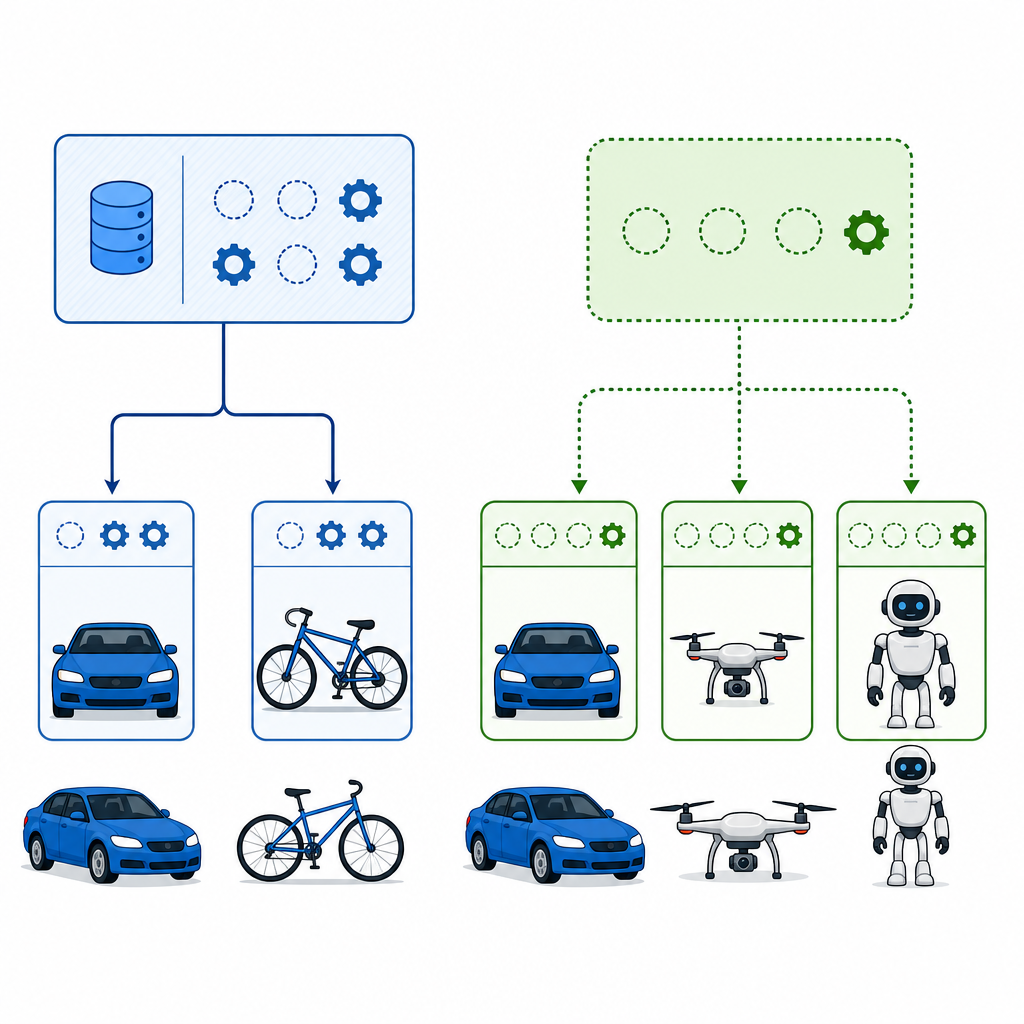
An abstract class is a class declared with the abstract keyword. You cannot create its objects directly. It can contain abstract methods (no body) and normal methods with code. Abstract classes are perfect when you want to share state and partial implementation across related subclasses, and when you need constructors or protected members.
Syntax and example
abstract class Vehicle {
    class="cd-keyword cd-access">protected String name;
    class="cd-keyword cd-access">protected int speed;

    class="cd-keyword cd-access">public Vehicle(String name, int speed) {
        this.name = name;
        this.speed = speed;
    }

    class="cd-keyword cd-access">public abstract void start(); // must be implemented by concrete subclasses

    class="cd-keyword cd-access">public void stop() {
        System.out.println(name + " stopped.");
    }

    class="cd-keyword cd-access">protected void accelerate(int delta) {
        speed += delta;
        System.out.println(name + " accelerated to " + speed + " km/h");
    }
}

class Car extends Vehicle {
    class="cd-keyword cd-access">public Car(String name) {
        super(name, 0); // calling abstract class constructor
    }

    class="cd-annotation">@Override
    class="cd-keyword cd-access">public void start() {
        System.out.println(name + " engine started.");
        accelerate(30);
    }

    class="cd-keyword cd-access">public static void main(String[] args) {
        Car c = new Car("CityCar");
        c.start();
        c.stop();
    }
}CityCar engine started.
CityCar accelerated to 30 km/h
CityCar stopped.When to use abstract class in Java
- You need shared instance state or constructors.
- You want to provide protected helper methods to subclasses.
- Subclasses are closely related in a family (e.g., vehicles, shapes).
- You need partial implementations and enforced overrides for certain methods.
What Is an Interface in Java and Why Use It?
An interface defines a contract: what methods a class must provide. A class implements an interface to promise it supports that capability. Modern interfaces in Java can have abstract methods, default methods (with a body), static methods, and even private helper methods. Interfaces cannot declare instance fields or constructors.
Syntax and example with default and static methods
interface Flyable {
    // implicitly: public static final
    int MAX_ALTITUDE = 10_000;

    // implicitly: public abstract
    void fly(int meters);

    default String status() {
        return "Ready to fly";
    }

    static boolean isSafeAltitude(int meters) {
        return meters <= MAX_ALTITUDE;
    }

    class="cd-keyword cd-access">private void log(String msg) {
        // private helper (used from default/static methods if needed)
    }
}

class Drone implements Flyable {
    class="cd-keyword cd-access">private int altitude = 0;

    class="cd-annotation">@Override
    class="cd-keyword cd-access">public void fly(int meters) {
        if (Flyable.isSafeAltitude(altitude + meters)) {
            altitude += meters;
            System.out.println("Drone at " + altitude + " meters. " + status());
        } else {
            System.out.println("Altitude too high!");
        }
    }

    class="cd-keyword cd-access">public static void main(String[] args) {
        Drone d = new Drone();
        d.fly(100);
        d.fly(10_000);
    }
}Drone at 100 meters. Ready to fly
Altitude too high!When to use interface in Java
- You need to model a capability to be shared across unrelated classes.
- You want multiple inheritance of type (a class can implement many interfaces).
- You’re designing library APIs that may evolve safely using default methods.
- You need a functional interface to support lambdas and method references.
How to Choose Between Abstract Class and Interface in Java for a Project
Use this simple decision guide:
- If you need shared state, constructors, or protected utilities, choose an abstract class.
- If you need a pluggable capability that many unrelated classes can adopt, choose an interface.
- If you need multiple capabilities on the same class, prefer interfaces (a class can implement many).
- If you need lambdas, define a functional interface (one abstract method plus optional defaults).
- If hierarchy must be closed, consider sealed types (sealed abstract class or sealed interface).
No → Go to step 2
No → Go to step 3
Real-life example students can relate to
Imagine an e-commerce app:
- Abstract class:
abstract class PaymentProcessorholds API keys, retry logic, and utility methods. - Interfaces:
Refundable,Verifiabledefine capabilities for refunds or verification. - A concrete class might be
class StripeProcessor extends PaymentProcessor implements Refundable, Verifiable.
This mix lets you share common logic (abstract class) while composing capabilities (interfaces).
Modern Interface Features You Should Know
Default method conflict resolution (multiple interfaces)
If two interfaces provide the same default method, your class must override and resolve the conflict:
interface A {
    default void hi() { System.out.println("A.hi"); }
}
interface B {
    default void hi() { System.out.println("B.hi"); }
}
class C implements A, B {
    class="cd-annotation">@Override
    class="cd-keyword cd-access">public void hi() {
        A.super.hi(); // choose A's version (or write a new one)
    }
    class="cd-keyword cd-access">public static void main(String[] args) {
        new C().hi();
    }
}A.hiFunctional interfaces and lambdas
Only interfaces can be functional interfaces and used with lambdas:
class="cd-annotation">@FunctionalInterface
interface Formatter {
    String format(String name, int score);
}

class LambdaDemo {
    class="cd-keyword cd-access">public static void main(String[] args) {
        Formatter f = (n, s) -> n + " scored " + s;
        System.out.println(f.format("Riya", 95));
    }
}Riya scored 95Abstract Class and Interface Examples in Java: Putting It Together
Yes—an abstract class can implement an interface but still leave methods abstract for subclasses to finish.
interface Drawable { void draw(); }

abstract class Shape implements Drawable {
    class="cd-keyword cd-access">protected String color;
    class="cd-keyword cd-access">public Shape(String color) { this.color = color; }
    // draw() remains abstract; subclasses must implement it
}

class Circle extends Shape {
    class="cd-keyword cd-access">public Circle(String color) { super(color); }
    class="cd-annotation">@Override
    class="cd-keyword cd-access">public void draw() {
        System.out.println("Drawing " + color + " circle");
    }
    class="cd-keyword cd-access">public static void main(String[] args) {
        new Circle("red").draw();
    }
}Drawing red circleCommon Mistakes and How to Avoid Them
- Thinking “interfaces can’t have method bodies.” They can via default and static methods.
- Adding instance fields to interfaces. Interfaces only allow constants (public static final).
- Forgetting that interface methods are public by default; they cannot be protected or package-private.
- Expecting multiple class inheritance. Java allows a class to extend one class but implement many interfaces.
- Not resolving default method conflicts when implementing multiple interfaces with the same method signature.
- Overusing abstract classes for simple capabilities. Prefer interfaces when no shared state is needed.
FAQ: Abstract Class vs Interface (Beginner-Friendly)
What is an abstract class in Java with a simple example?
An abstract class is a base class you cannot instantiate. It can hold fields, constructors, and methods—both abstract and concrete. Example: a Vehicle class with a constructor and an abstract start() that each specific vehicle overrides. See the Vehicle/Car example above.
What is an interface in Java and why use it?
An interface defines a capability, like Comparable or Runnable, that any class can adopt. It’s great for decoupling and multiple inheritance of behavior. Modern interfaces support abstract, default, static, and private methods, which also helps library authors evolve APIs safely.
When should I use an abstract class instead of an interface in Java?
Use an abstract class when you need shared instance state, constructors, protected utilities, or partial implementation across a closely related class family. If you only need to declare a capability without shared state, use an interface.
Can an abstract class implement an interface in Java?
Yes. An abstract class can implement one or more interfaces and either provide implementations or leave some methods abstract for subclasses. See the Shape/Drawable example above.
What are the key differences between abstract class and interface in Java?
In short: abstract classes can have instance fields and constructors, support any access modifiers, and you can extend only one. Interfaces define contracts with abstract/default/static/private methods, allow only constants, have no constructors, and a class can implement many interfaces. This is the essential difference between abstract class and interface in Java.
Tips for Students and Beginners
- Start with interfaces to define clear capabilities. Add an abstract class only when you see repeated state or code.
- Use descriptive names: Payable, Sortable, Cacheable for interfaces; BaseRepository, AbstractHandler for abstract classes.
- Leverage default methods to evolve your APIs without breaking old implementations.
- For interview prep, practice writing one abstract class and two interfaces for the same domain model (e.g., Shape, Scalable, Colorable).
- Do I need instance fields or constructors? → Prefer abstract class.
- Will unrelated classes share the same capability? → Use an interface.
- Do I need multiple capabilities (e.g., Loggable, Cacheable) on one class? → Interfaces.
- Do I want lambda support? → Define a functional interface.
- Is there shared logic emerging across implementations? → Extract an abstract base.
- Does the hierarchy need to be closed? → Consider sealed abstract class or interface.
Practice Next
Try converting a small project: start with interfaces for capabilities, then refactor common code into an abstract base class. Explore more core topics on our Java index: CodDesire Java Tutorials.
Sources / Further reading
- Java Language Specification, Chapter 8: Classes — JLS 8
- Java Language Specification, Chapter 9: Interfaces — JLS 9
- Oracle Tutorials: Abstract Methods and Classes — Abstract Classes
- Oracle Tutorials: Default Methods — Default Methods
- Oracle Tutorials: Evolving Interfaces — Evolving Interfaces
- Iterable API (Java SE 26) — Iterable
- JEP 409: Sealed Classes — Sealed Types