
Welcome to our beginner-friendly guide on Java generic class and method examples for beginners. If you’re a student or new Java learner, this page will show you what generics are, why they matter, and how to write generic classes and generic methods step by step. We’ll use simple examples you can copy, run, and learn from. For more Java basics and topics, check our Java section at coddesire.com/java/.
What are Java Generics and why use them?
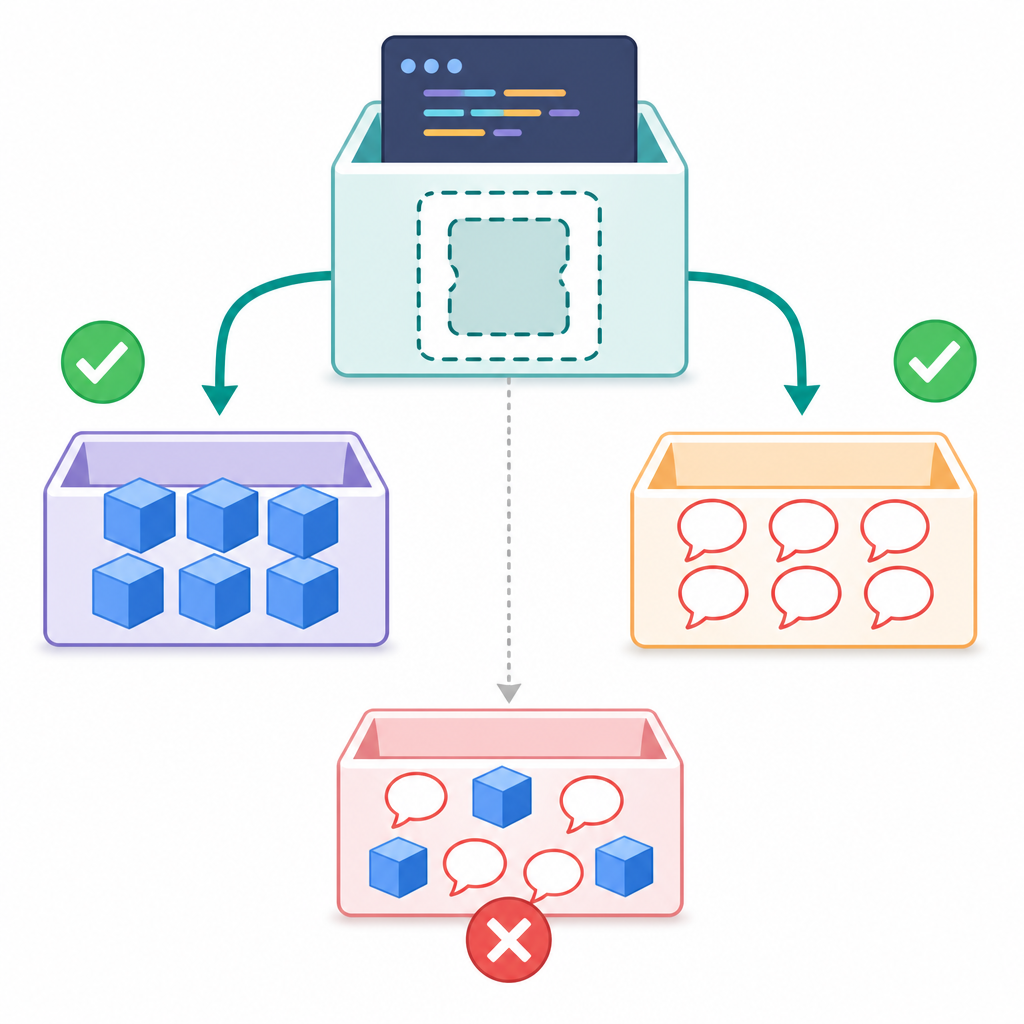
Java generics let you write reusable, type-safe code. Instead of repeating the same class or method for different data types, you can parameterize code with a type variable (like T or E). This gives you:
- Type safety at compile time (fewer ClassCastException errors)
- Cleaner code without manual casts
- Reusable libraries and utilities (like Java Collections)
Important to know: Java implements generics using “type erasure.” That means your type arguments (like String or Integer) are not available at runtime. You also cannot use primitive types (like int) as type arguments; use wrapper types (Integer) instead.
- Generics add compile-time type safety and reduce casts.
- Use wrapper types (Integer, Double) instead of primitives.
- Erasure: type arguments are not available at runtime.
- Prefer parameterized types (List<String>) over raw types (List).
- Design flexible APIs with bounds and wildcards (PECS rule).
What is a generic class in Java? (Simple example)
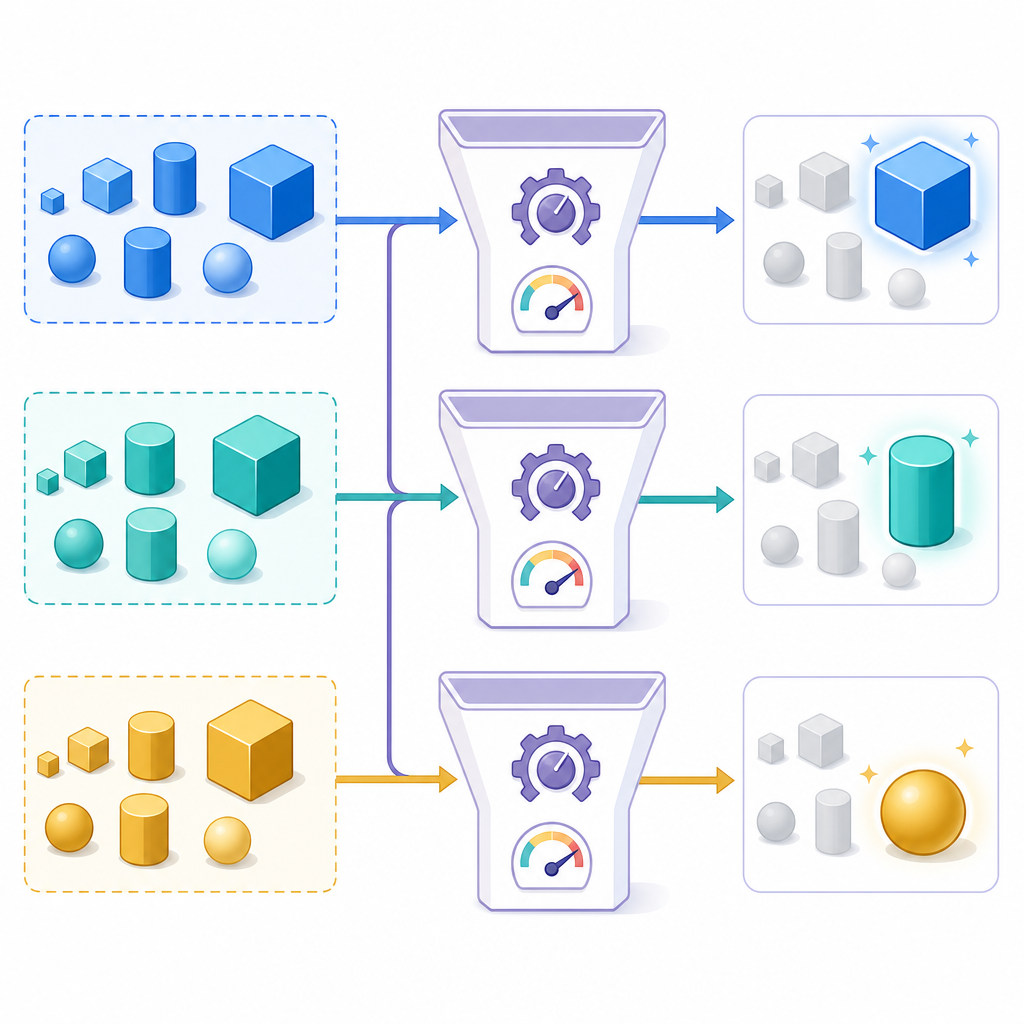
A generic class declares one or more type parameters in angle brackets. This answers the common question, “what is a generic class in Java?” Here is a minimal example you can run:
class Box<T> {
    class="cd-keyword cd-access">private T value;

    class="cd-keyword cd-access">public void set(T value) {
        this.value = value;
    }

    class="cd-keyword cd-access">public T get() {
        return value;
    }
}

class="cd-keyword cd-access">public class BoxDemo {
    class="cd-keyword cd-access">public static void main(String[] args) {
        Box<Integer> intBox = new Box<>();
        intBox.set(42);

        Box<String> strBox = new Box<>();
        strBox.set("Hello, Generics");

        System.out.println("intBox: " + intBox.get());
        System.out.println("strBox: " + strBox.get());
    }
}intBox: 42
strBox: Hello, GenericsIn this Java generics tutorial for beginners, notice how we used the same class for Integer and String without casting.
How to create a generic class in Java step by step
- Choose a clear, descriptive class name (for example, Box).
- Add a type parameter in angle brackets (for example, <T> stands for “type”).
- Use the type parameter wherever you need a type inside the class (fields, method parameters, return types).
- Create objects with a concrete type (for example, new Box<String>()). Use the diamond operator <> on the right side.
- Compile and run to see type safety in action—no unchecked casts.
Generic methods in Java explained (with examples)
A method is “generic” when it declares its own type parameter before the return type. This is different from a generic class because a generic method can live in a non-generic class and still be generic.
class Utils {
    class="cd-keyword cd-access">public static <T> T identity(T x) {
        return x;
    }

    class="cd-keyword cd-access">public static <T> void printArray(T[] arr) {
        for (T e : arr) {
            System.out.print(e + " ");
        }
        System.out.println();
    }
}

class="cd-keyword cd-access">public class GenericMethodDemo {
    class="cd-keyword cd-access">public static void main(String[] args) {
        Integer i = Utils.identity(10);      // T inferred as Integer
        String s = Utils.identity("Java");   // T inferred as String

        System.out.println(i);
        System.out.println(s);

        String[] words = {"A", "B", "C"};
        Utils.printArray(words);
    }
}10
Java
A B CThis is a beginner guide to Java generic methods with examples: the compiler often infers the type from the arguments, so you don’t need to write Utils.<Integer>identity(10) unless inference fails.
Type parameters in Java generics
Common type parameter names:
- T – Type
- E – Element (often used in collections)
- K, V – Key, Value (often used in maps)
- R – Result/Return type
You can define multiple type parameters and even add bounds to restrict allowed types.
Multiple type parameters
class Pair<K, V> {
    class="cd-keyword cd-access">private final K key;
    class="cd-keyword cd-access">private final V value;

    class="cd-keyword cd-access">public Pair(K key, V value) {
        this.key = key;
        this.value = value;
    }

    class="cd-keyword cd-access">public K getKey() { return key; }
    class="cd-keyword cd-access">public V getValue() { return value; }
}
Upper bounds with extends
Use an upper bound to restrict T to extend a class or implement interfaces. Multiple bounds are allowed (class first, then interfaces):
class MathUtils {
    class="cd-keyword cd-access">public static <T extends Number & Comparable<T>> T max(T a, T b) {
        return (a.compareTo(b) >= 0) ? a : b;
    }
}
Wildcards and PECS (Producer Extends, Consumer Super)
Wildcards add flexibility to your APIs:
- Use ? extends T when a parameter produces values of type T (you only read from it).
- Use ? super T when a parameter consumes values of type T (you add/put T into it).
class="cd-package">import java.util.List;

class WildcardDemo {
    static double sum(List<? extends Number> nums) {
        double total = 0.0;
        for (Number n : nums) {
            total += n.doubleValue();
        }
        return total;
    }

    static void addDefaults(List<? super Integer> dest) {
        dest.add(1);
        dest.add(2);
    }
}<T extends Number & Comparable<T>>Type inference and the diamond operator
Since Java 7, you can use the diamond operator <> to let the compiler infer constructor type arguments. Java also infers method type arguments in many cases.
class="cd-package">import java.util.ArrayList;
class="cd-package">import java.util.List;

class="cd-keyword cd-access">public class InferenceDemo {
    class="cd-keyword cd-access">public static void main(String[] args) {
        List<String> names = new ArrayList<>(); // <> infers <String>
        names.add("Ana");
        names.add("Beck");
        System.out.println(names);
    }
}
Difference between a generic class and a generic method
| Aspect | Generic Class | Generic Method |
|---|---|---|
| Definition | Class declares type parameters (for example, class Box<T>) | Method declares its own type parameters (for example, <T> T id(T x)) |
| Scope of type parameters | Available to all non-static members of the class | Available only inside the method where declared |
| Usage | Reusable data structures and domain models | Reusable utilities and algorithms |
| Instantiation | You specify type arguments at object creation | Type arguments usually inferred from method arguments |
Common mistakes and important limitations
- Do not use raw types like List; always use List<T> to keep type safety.
- You cannot use primitive types as type arguments (use Integer, Double, etc., not int or double).
- You cannot create arrays of parameterized types (no new List<String>[10]).
- You cannot use instanceof with parameterized types (no obj instanceof List<String>).
- Type parameters are not allowed in static contexts of a generic class (static T value is not valid).
- Remember erasure: type arguments are not available at runtime.
- Pick clear type parameter names (T, E, K, V).
- Add bounds if behavior requires it (e.g., T extends Number).
- Avoid static members using type parameters.
- Do not create arrays of parameterized types.
- Test with multiple concrete types (e.g., String and Integer).
- Declare type params before return type:
<T> T method(T x). - Rely on inference; specify
<T>explicitly only when needed. - Use wildcards to widen APIs (PECS: extends for read, super for write).
- Document constraints and whether the method reads/writes.
- Unit test with various types and edge cases (nulls, empties).
Practice: Java generics example program for students
This complete program combines a generic class, generic methods, bounds, and wildcards. It’s a practical “Java generics example program for students.”
class="cd-package">import java.util.ArrayList;
class="cd-package">import java.util.Arrays;
class="cd-package">import java.util.List;

class="cd-keyword cd-access">public class GenericsDemo {

    // Generic class
    static class Box<T> {
        class="cd-keyword cd-access">private T value;

        Box() { }

        Box(T value) {
            this.value = value;
        }

        void set(T value) {
            this.value = value;
        }

        T get() {
            return value;
        }

        class="cd-annotation">@Override
        class="cd-keyword cd-access">public String toString() {
            return String.valueOf(value);
        }
    }

    // Generic class with two type parameters
    static class Pair<K, V> {
        class="cd-keyword cd-access">private final K key;
        class="cd-keyword cd-access">private final V value;

        Pair(K key, V value) {
            this.key = key;
            this.value = value;
        }

        K getKey() { return key; }
        V getValue() { return value; }
    }

    // Utility methods
    static class Utils {
        // Generic method
        static <T> T identity(T x) {
            return x;
        }

        // Generic method using the same type for list elements
        static <T> void swap(List<T> list, int i, int j) {
            T temp = list.get(i);
            list.set(i, list.get(j));
            list.set(j, temp);
        }

        // Bounded type parameter with multiple bounds
        static <T extends Number & Comparable<T>> T max(T a, T b) {
            return (a.compareTo(b) >= 0) ? a : b;
        }

        // Wildcards: producer extends
        static double sum(List<? extends Number> nums) {
            double s = 0.0;
            for (Number n : nums) {
                s += n.doubleValue();
            }
            return s;
        }

        // Wildcards: consumer super
        static void addSomeIntegers(List<? super Integer> list) {
            list.add(1);
            list.add(2);
        }
    }

    class="cd-keyword cd-access">public static void main(String[] args) {
        Box<Integer> intBox = new Box<>(100);
        Box<String> strBox = new Box<>("Generics");
        System.out.println("intBox: " + intBox.get());
        System.out.println("strBox: " + strBox.get());

        Integer id = Utils.identity(7);
        String word = Utils.identity("hello");
        System.out.println("identity: " + id + ", " + word);

        Integer mi = Utils.max(12, 9);
        Double md = Utils.max(3.14, 2.71);
        System.out.println("max: " + mi + " and " + md);

        List<Integer> ints = new ArrayList<>();
        Utils.addSomeIntegers(ints);
        ints.add(10);
        System.out.println("sum ints: " + Utils.sum(ints));

        List<Double> doubles = Arrays.asList(1.5, 2.5, 4.0);
        System.out.println("sum doubles: " + Utils.sum(doubles));

        List<String> names = new ArrayList<>();
        names.add("Ava");
        names.add("Ben");
        names.add("Cia");
        Utils.swap(names, 0, 2);
        System.out.println("swapped names: " + names);

        Pair<String, Integer> p = new Pair<>("score", 95);
        System.out.println("pair: " + p.getKey() + "=" + p.getValue());
    }
}intBox: 100
strBox: Generics
identity: 7, hello
max: 12 and 3.14
sum ints: 13.0
sum doubles: 8.0
swapped names: [Cia, Ben, Ava]
pair: score=95Why should beginners use generics in Java?
- They reduce runtime errors by catching type mismatches at compile time.
- They keep your code DRY and reusable (write once, use for many types).
- They make your intent clear (for example, List<String> instead of List).
Trend watch
OpenJDK’s Project Valhalla is exploring performance-focused features like specialized generics for primitive/value types. This work is ongoing and not yet part of standard Java, but it’s a direction to watch as you progress beyond beginner level.
FAQ: Java generics explained with easy code samples
What is a generic class in Java with a simple example?
A class that declares a type parameter, like Box<T>. See the Box example above.
How do I write a generic method in Java?
Declare a type parameter before the return type, for example: <T> T identity(T x). The compiler usually infers T from the argument.
Why should beginners use generics in Java?
They provide type safety and reduce boilerplate casts, helping you avoid common runtime errors early.
What is the difference between a generic class and a generic method?
A generic class defines type parameters at the class level, while a generic method defines them at the method level. See the comparison table above.
How do type parameters work in Java generics?
Type parameters act like placeholders for actual types. They’re checked at compile time, but erased at runtime. You can constrain them with bounds (extends, super) and use multiple bounds.
Next steps
Keep practicing by converting your non-generic utilities and data structures into generic versions. Then explore collections, streams, and functional interfaces, which rely heavily on generics. For more beginner-friendly topics, visit our Java index: https://coddesire.com/java/.