
In this beginner-friendly guide to Java Iterator and ListIterator with examples, you will learn how to traverse and modify Java collections safely and effectively. We will cover what is iterator in Java, what is listiterator in Java, how to iterate over list in Java, practical code samples, and common mistakes to avoid. If you are starting your Java journey, check our full Java series on CodDesire Java Tutorials.
- Iterator: works on any Collection, moves forward only, supports safe element removal with
remove(). - ListIterator: list-only, moves forward and backward, supports
add(),set(), andremove()with call-order rules; index-aware withnextIndex()/previousIndex(). - Avoid modifying the collection directly during iteration; use iterator methods to prevent
ConcurrentModificationException. - For read-only passes, prefer for-each or streams; for in-place edits, use Iterator/ListIterator.
What is Iterator in Java?
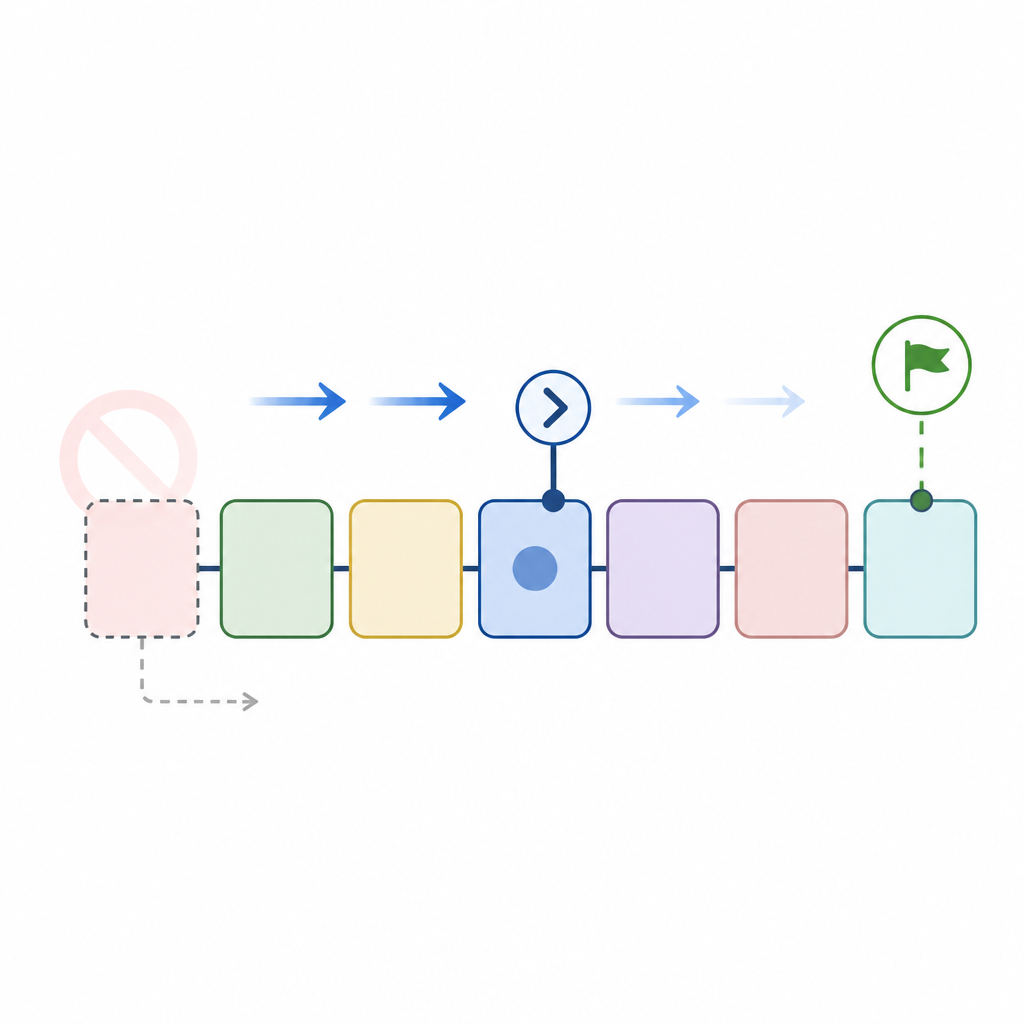
An Iterator is an object that lets you loop through elements of a collection (like ArrayList, HashSet, etc.) in a forward-only direction. It provides a safe way to access elements one-by-one and, optionally, remove elements during iteration.
Why use Iterator?
- To traverse any
Collectiontype element-by-element. - To remove elements safely while iterating (without manual index management).
- To avoid errors that happen when modifying a collection during a normal loop.
Core methods of Iterator
boolean hasNext()– Is there another element?E next()– Get the next element.void remove()– Remove the last returned element (optional; may not be supported).default void forEachRemaining(Consumer)– Process the remaining elements (Java 8+).
Important rules:
remove()can be called at most once per successfulnext()call.- Some collections or views do not support remove and will throw
UnsupportedOperationException.
Java Iterator example for beginners (iterate and print)
class="cd-package">import java.util.ArrayList;
class="cd-package">import java.util.Iterator;
class="cd-package">import java.util.List;

class="cd-keyword cd-access">public class IterateBasics {
    class="cd-keyword cd-access">public static void main(String[] args) {
        List<String> names = new ArrayList<>();
        names.add("Alice");
        names.add("Bob");
        names.add("Charlie");

        Iterator<String> it = names.iterator();

        while (it.hasNext()) {
            String name = it.next();
            System.out.println(name);
        }
    }
}Alice
Bob
CharlieIterator remove method example in Java
Here is how to remove blank names safely while iterating. This is a common “how to use iterator in java step by step” pattern:
class="cd-package">import java.util.ArrayList;
class="cd-package">import java.util.Iterator;
class="cd-package">import java.util.List;

class="cd-keyword cd-access">public class RemoveWhileIterating {
    class="cd-keyword cd-access">public static void main(String[] args) {
        List<String> names = new ArrayList<>();
        names.add("Alice");
        names.add("");
        names.add("Bob");
        names.add("   ");
        names.add("Charlie");

        Iterator<String> it = names.iterator();
        while (it.hasNext()) {
            String n = it.next();
            if (n.isBlank()) {
                it.remove(); // safe: removes the blank string
            }
        }

        System.out.println(names);
    }
}[Alice, Bob, Charlie]forEachRemaining example
class="cd-package">import java.util.List;
class="cd-package">import java.util.Iterator;

class="cd-keyword cd-access">public class ForEachRemainingDemo {
    class="cd-keyword cd-access">public static void main(String[] args) {
        List<Integer> nums = List.of(1, 2, 3, 4, 5);
        Iterator<Integer> it = nums.iterator();

        // Skip first two
        it.next();
        it.next();

        // Print remaining using a method reference
        it.forEachRemaining(System.out::println);
    }
}3
4
5What is ListIterator in Java?
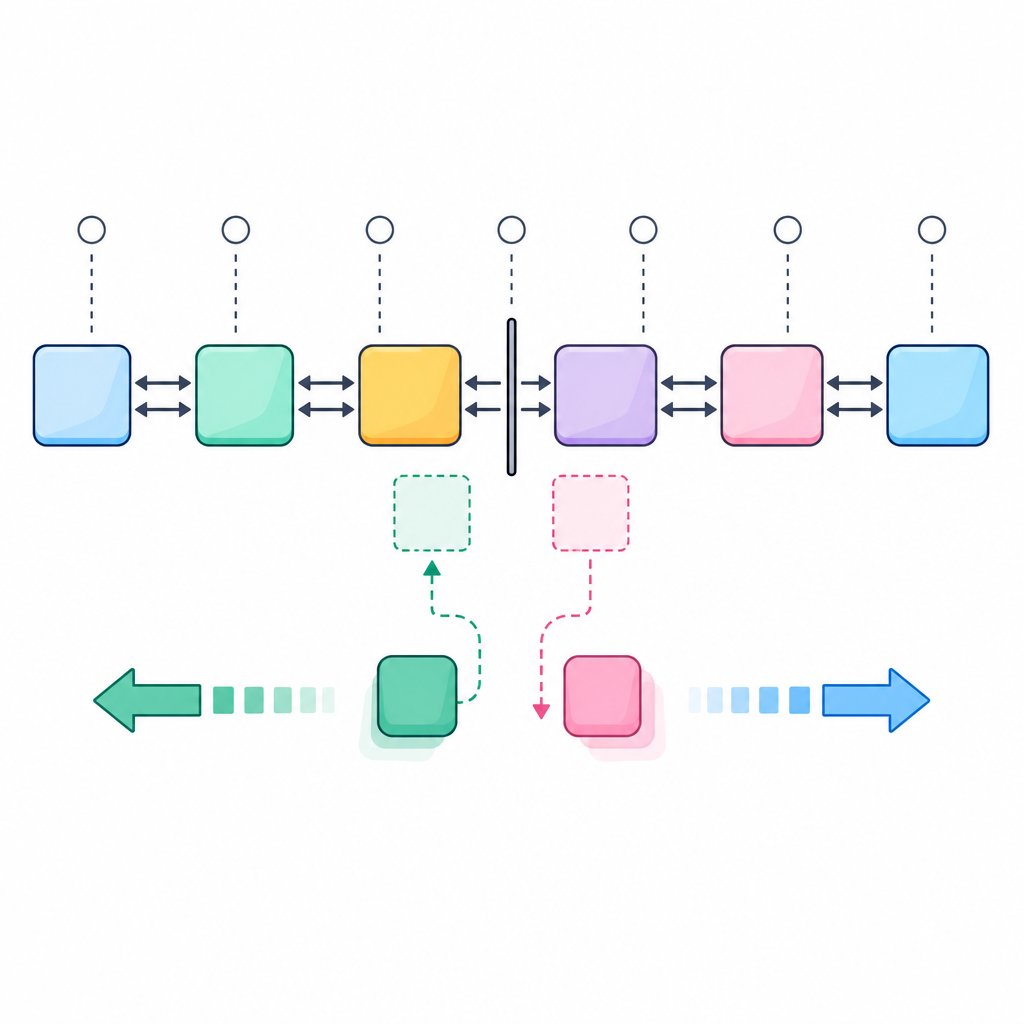
ListIterator is a specialized iterator that works only with List implementations (like ArrayList, LinkedList). It supports bidirectional traversal (forward and backward) and allows index-aware updates. It is perfect when you need to traverse a list both ways or insert/update elements at the current cursor position.
Key features of ListIterator
- Bidirectional:
hasPrevious(),previous()in addition tohasNext(),next() - Index access:
nextIndex(),previousIndex() - Modify in place:
add(E),set(E), andremove()(with order rules)
Rules to remember:
set(E)is allowed only immediately after a successfulnext()orprevious(), and not right afteraddorremove.add(E)inserts the element at the cursor position; afteradd, a newnext()orprevious()is needed before callingsetagain.
Java ListIterator example to traverse list both ways
class="cd-package">import java.util.ArrayList;
class="cd-package">import java.util.List;
class="cd-package">import java.util.ListIterator;

class="cd-keyword cd-access">public class ListIteratorBothWays {
    class="cd-keyword cd-access">public static void main(String[] args) {
        List<String> cities = new ArrayList<>();
        cities.add("Delhi");
        cities.add("Mumbai");
        cities.add("Kolkata");

        ListIterator<String> li = cities.listIterator();

        System.out.println("Forward:");
        while (li.hasNext()) {
            int idx = li.nextIndex();
            String c = li.next();
            System.out.println(idx + " - " + c);
        }

        System.out.println("Backward and modify:");
        while (li.hasPrevious()) {
            int idx = li.previousIndex();
            String c = li.previous();
            if (c.startsWith("K")) {
                li.set(c.toUpperCase()); // replace last returned
            } else {
                li.add("City"); // insert a tag near current position
            }
            System.out.println(idx + " - " + c);
        }

        System.out.println("Final list: " + cities);
    }
}Forward:
0 - Delhi
1 - Mumbai
2 - Kolkata
Backward and modify:
2 - Kolkata
1 - Mumbai
0 - Delhi
Final list: [Delhi, City, Mumbai, City, KOLKATA]Iterator vs ListIterator
| Feature | Iterator | ListIterator |
|---|---|---|
| Works with | Any Collection | List only |
| Direction | Forward only | Forward and backward |
| Modify elements | remove() (optional) |
add(), set(), remove() (with rules) |
| Index awareness | No | nextIndex(), previousIndex() |
| Use when | You need simple forward traversal or safe removals | You need bidirectional traversal or in-place insert/update with indices |
iterator()hasNext()next()remove()hasNext() is falselistIterator() (front)hasNext()/next()set()/add()/remove()listIterator(size) (end)hasPrevious()/previous()set()/add()/remove()remove() or set() only after next()/previous(); after add(), call next() or previous() before using set() again.How to iterate a Java ArrayList using Iterator
You can get an iterator from any list using list.iterator() and loop with hasNext() / next():
class="cd-package">import java.util.ArrayList;
class="cd-package">import java.util.Iterator;
class="cd-package">import java.util.List;

class="cd-keyword cd-access">public class IterateArrayList {
    class="cd-keyword cd-access">public static void main(String[] args) {
        List<String> fruits = new ArrayList<>();
        fruits.add("Mango");
        fruits.add("Apple");
        fruits.add("Banana");

        Iterator<String> it = fruits.iterator();
        while (it.hasNext()) {
            System.out.println(it.next());
        }
    }
}
For-each loop, Iterator, and Streams: which to use?
- The enhanced for-each loop internally uses an
Iteratorfor collections. It’s great for read-only traversal. - If you must remove elements while iterating, prefer an explicit
Iteratorand callremove(). - For read-only bulk operations and functional style, use streams; but streams are not designed for in-place edits.
Why does my Iterator throw ConcurrentModificationException?
Most non-concurrent collections (like ArrayList) provide “fail-fast” iterators that may throw ConcurrentModificationException if the collection is structurally modified from outside the iterator during iteration. This check is best-effort, not guaranteed.
Incorrect: removing inside for-each
class="cd-package">import java.util.ArrayList;
class="cd-package">import java.util.List;

class="cd-keyword cd-access">public class WrongRemoval {
    class="cd-keyword cd-access">public static void main(String[] args) {
        List<String> list = new ArrayList<>(List.of("a", "b", "c"));
        for (String s : list) {
            if (s.equals("b")) {
                list.remove(s); // may cause ConcurrentModificationException
            }
        }
        System.out.println(list);
    }
}Exception in thread "main" java.util.ConcurrentModificationException
at java.base/java.util.ArrayList$Itr.checkForComodification(ArrayList.java:...)
at java.base/java.util.ArrayList$Itr.next(ArrayList.java:...)
...Correct: use Iterator.remove()
class="cd-package">import java.util.ArrayList;
class="cd-package">import java.util.Iterator;
class="cd-package">import java.util.List;

class="cd-keyword cd-access">public class CorrectRemoval {
    class="cd-keyword cd-access">public static void main(String[] args) {
        List<String> list = new ArrayList<>(List.of("a", "b", "c"));
        Iterator<String> it = list.iterator();
        while (it.hasNext()) {
            if (it.next().equals("b")) {
                it.remove(); // safe
            }
        }
        System.out.println(list);
    }
}[a, c]Unmodifiable lists and UnsupportedOperationException
Some lists cannot be modified (for example, List.of(...) or Collections.unmodifiableList(...)). Their iterators also do not allow removal or updates.
class="cd-package">import java.util.Iterator;
class="cd-package">import java.util.List;

class="cd-keyword cd-access">public class UnmodifiableListDemo {
    class="cd-keyword cd-access">public static void main(String[] args) {
        List<String> fixed = List.of("A", "B");
        Iterator<String> it = fixed.iterator();
        it.next();
        it.remove(); // throws UnsupportedOperationException
    }
}
Concurrent collections tip
If iterations and modifications happen across threads, consider concurrent collections. For example, CopyOnWriteArrayList provides snapshot (weakly consistent) iterators that do not throw ConcurrentModificationException, but their iterator remove/add/set are unsupported.
Step-by-step: how to use Iterator in Java (simple checklist)
- Create or get your collection.
- Call
iterator()to obtain anIterator. - Loop while
hasNext()is true. - Get the element with
next(). - If needed, call
remove()once pernext()to delete the current element.
class="cd-package">import java.util.Iterator;
class="cd-package">import java.util.LinkedList;
class="cd-package">import java.util.List;

class="cd-keyword cd-access">public class IteratorStepByStep {
    class="cd-keyword cd-access">public static void main(String[] args) {
        List<Integer> nums = new LinkedList<>(List.of(1, 0, 2, 0, 3));
        Iterator<Integer> it = nums.iterator();

        while (it.hasNext()) {
            Integer v = it.next();
            if (v == 0) {
                it.remove(); // remove zeros safely
            }
        }

        System.out.println(nums); // [1, 2, 3]
    }
}
Java ListIterator example to traverse and edit both ways
This example doubles even numbers and inserts a zero marker near odd numbers while iterating backwards using listIterator(size):
class="cd-package">import java.util.ArrayList;
class="cd-package">import java.util.List;
class="cd-package">import java.util.ListIterator;

class="cd-keyword cd-access">public class BidirectionalEdit {
    class="cd-keyword cd-access">public static void main(String[] args) {
        List<Integer> nums = new ArrayList<>(List.of(1, 2, 3, 4));

        ListIterator<Integer> li = nums.listIterator(nums.size()); // start at end
        while (li.hasPrevious()) {
            int v = li.previous();
            if (v % 2 == 0) {
                li.set(v * 2); // replace even with double
            } else {
                li.add(0);     // insert 0 at current cursor position
            }
        }

        System.out.println(nums);
    }
}[1, 0, 4, 3, 0, 8]Common mistakes with Java Iterator for beginners
- Calling
remove()twice without callingnext()in between: causesIllegalStateException. - Modifying the collection directly inside a for-each or while using an iterator: may cause
ConcurrentModificationException. - Assuming every iterator supports
remove(): unmodifiable lists and some views throwUnsupportedOperationException. - Using
ListIteratoron non-Listcollections: it only works for lists. - Forgetting to check
hasNext()/hasPrevious()before callingnext()/previous(): can causeNoSuchElementException. - Expecting fail-fast behavior to catch all concurrent modifications: it is best-effort and not guaranteed.
When to use Iterator vs ListIterator in Java
- Use Iterator when you need forward-only traversal or to remove elements safely during a loop.
- Use ListIterator when you need to traverse a list in both directions, insert elements at the current position, or replace elements in place with index context.
- Use for-each or streams for simple, read-only traversal and clear code style.
- If multiple threads modify a collection during iteration, consider concurrent collections such as
CopyOnWriteArrayListorConcurrentHashMapvariants.
- Any Collection + need safe removals → use Iterator and call
remove()afternext(). - Need backward traversal, insert, or replace during iteration → use ListIterator.
- Just reading elements → use for-each or streams (no in-place edits).
- Unmodifiable list (e.g.,
List.of(...)) → do not callremove()/add()/set(). - Multi-threaded modifications → prefer concurrent collections; note
CopyOnWriteArrayListiterators do not support modification methods. - Rule of thumb:
remove()/set()only after a successfulnext()/previous(), at most once per returned element. - Start a backward pass from the end:
list.listIterator(list.size()).
FAQ: Java Iterator and ListIterator with examples
What is the difference between Iterator and ListIterator in Java?
Iterator works on any collection and moves forward only with optional remove(). ListIterator works only on lists and supports forward and backward traversal, plus add(), set(), index methods, and remove() with specific call-order rules.
How do I iterate a Java ArrayList using Iterator?
Call Iterator<E> it = list.iterator() and loop with while (it.hasNext()) { E e = it.next(); }. See the “IterateArrayList” example above.
When should I use ListIterator instead of a for loop?
Use ListIterator when you need bidirectional traversal, need the current index, or want to insert or update elements during iteration. A simple for loop or for-each is fine for read-only passes.
Can I add or remove elements while iterating in Java?
Yes, but use the iterator’s own methods. With Iterator, use remove(). With ListIterator, you can use add(), set(), or remove() following the method-order rules. Avoid modifying the list directly while iterating with for-each.
Why does my Iterator throw ConcurrentModificationException?
Because the collection was structurally modified from outside the iterator during traversal. This fail-fast check is typical for non-concurrent collections and is best-effort. Switch to using iterator methods, or use a concurrent collection if modifications happen concurrently.
Sources / Further reading
- Iterator (Java SE 27) API: docs.oracle.com – Iterator
- ListIterator (Java SE 27) API: docs.oracle.com – ListIterator
- JLS 14.14.2 Enhanced for statement: docs.oracle.com – JLS Enhanced for
- ConcurrentModificationException (Java SE 26): docs.oracle.com – CME
- Collections.unmodifiableList: docs.oracle.com – unmodifiableList
- List (Java SE 27) API: docs.oracle.com – List
- CopyOnWriteArrayList: docs.oracle.com – CopyOnWriteArrayList
Continue learning more Java concepts in our Java section on CodDesire.