
The static keyword in Java marks members that belong to the class itself, not to individual objects. In this beginner-friendly guide, you’ll see the Java static keyword explained with examples: what it is, why it’s useful, how to use static variables, static methods, and static blocks, plus common mistakes to avoid. If you’re just starting with Java, this tutorial will give you practical intuition and clear code you can run. For more Java basics and step-by-step lessons, explore our Java tutorials on CodDesire.
- static marks class-level members shared by all objects; access them with ClassName.member.
- Static methods have no this; they can’t directly use instance fields or methods.
- Great for constants (public static final), utility/helpers, factories, and class-wide counters.
- Static initialization runs once when the class is initialized, in top-to-bottom source order.
- Static methods are hidden (not overridden); use instance methods for polymorphism.
- Avoid static for per-object state to prevent accidental sharing.
What does static mean in Java?
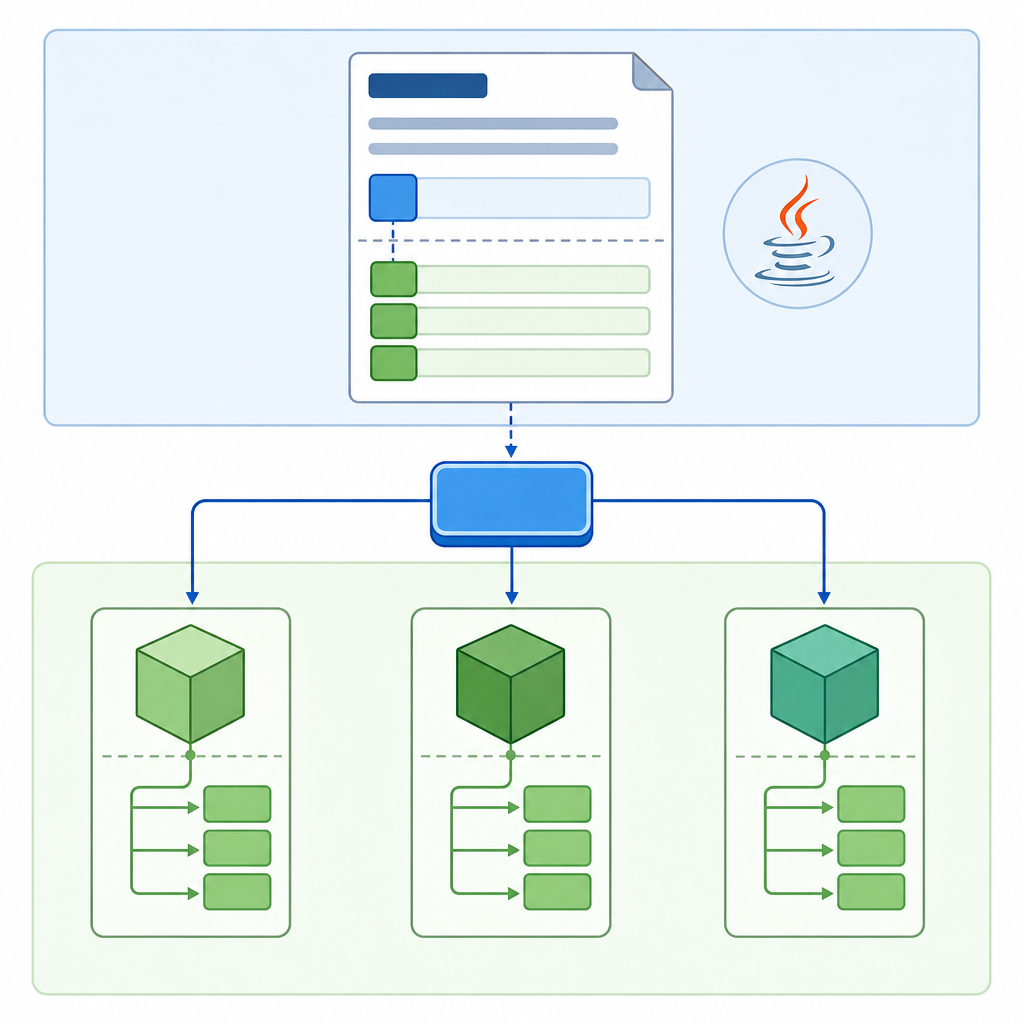
“Static” means class-level. A static field or method is shared across all instances of a class and can be accessed using the class name. In other words, you don’t need to create an object to use a static member.
class Counter {
    // static variable shared by all Counter objects
    static int totalCount = 0;

    // instance variable unique to each object
    int id;

    Counter() {
        totalCount++;
        id = totalCount;
    }

    static void reset() {
        totalCount = 0;
    }

    class="cd-keyword cd-access">public static void main(String[] args) {
        Counter c1 = new Counter();
        Counter c2 = new Counter();
        System.out.println("c1.id = " + c1.id);
        System.out.println("c2.id = " + c2.id);
        System.out.println("Total = " + Counter.totalCount);

        Counter.reset();
        System.out.println("After reset, Total = " + Counter.totalCount);
    }
}c1.id = 1
c2.id = 2
Total = 2
After reset, Total = 0Key idea: totalCount is shared across all Counter instances, while id belongs to each object.
Why and when to use static
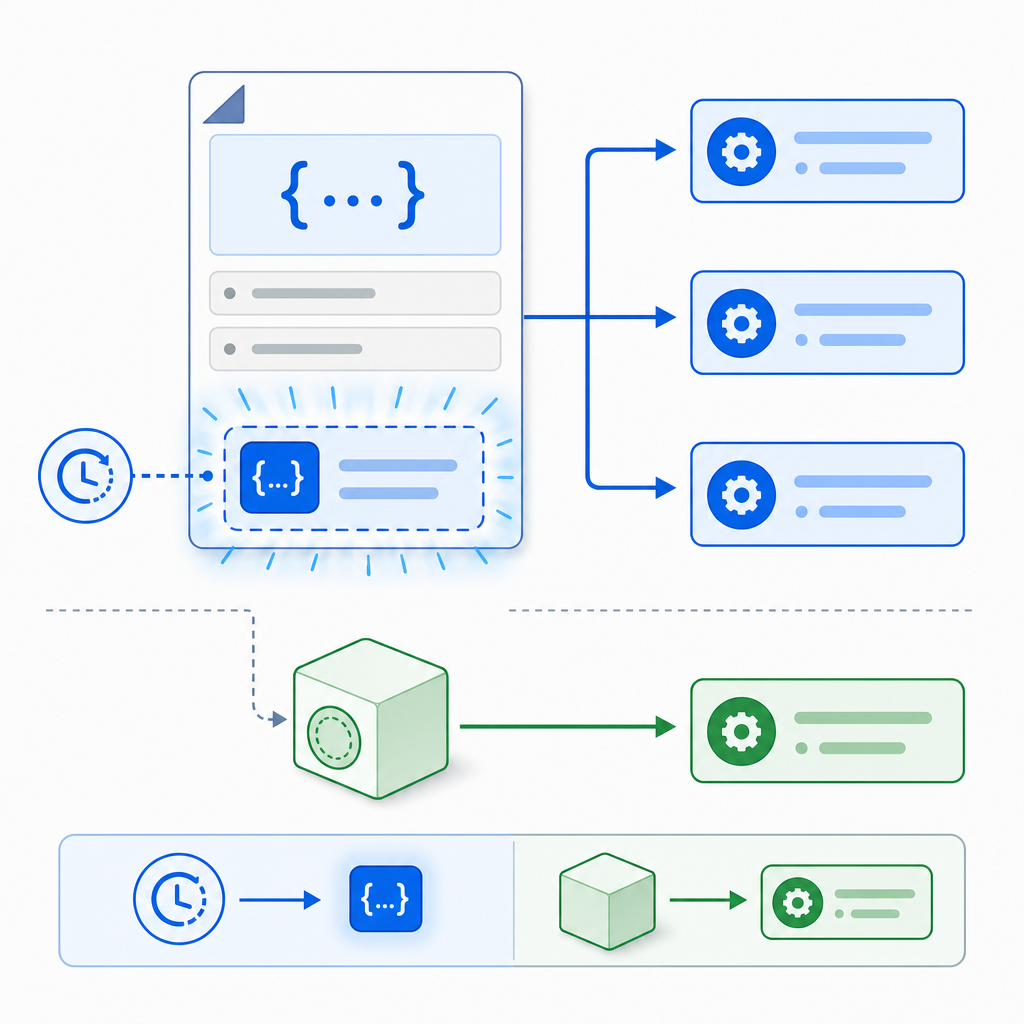
Here are practical reasons to use static members in beginner programs:
- Constants that never change, for example: public static final double PI = 3.14159;
- Utility methods that don’t need object state, such as parsing or math helpers.
- Class-wide counters or caches shared across all objects.
- Factory methods that build collections or objects (e.g., Map.of in the Java API).
class MathHelper {
    class="cd-keyword cd-access">public static final double PI = 3.14159;

    class="cd-keyword cd-access">public static int square(int n) {
        return n * n;
    }

    class="cd-keyword cd-access">public static void main(String[] args) {
        System.out.println("PI = " + MathHelper.PI);
        System.out.println("Square of 7 = " + MathHelper.square(7));
    }
}PI = 3.14159
Square of 7 = 49Syntax and kinds of static members
1) Static variables in Java (class variables)
A static variable is shared by all objects of a class. Use it for data that truly belongs to the class, not to individual objects.
class Student {
    // shared by all students
    static String schoolName = "CodDesire High School";

    // unique to each student
    String name;

    Student(String name) {
        this.name = name;
    }

    class="cd-keyword cd-access">public static void main(String[] args) {
        Student a = new Student("Ava");
        Student b = new Student("Ben");

        System.out.println("A's school = " + Student.schoolName);
        System.out.println("B's school = " + Student.schoolName);

        // Change school for all students (since it's static)
        Student.schoolName = "CodDesire Academy";

        System.out.println("A's school(after rename) = " + Student.schoolName);
        System.out.println("B's school(after rename) = " + Student.schoolName);

        // Instance fields are separate
        System.out.println("A's name = " + a.name);
        System.out.println("B's name = " + b.name);
    }
}A's school = CodDesire High School
B's school = CodDesire High School
A's school (after rename) = CodDesire Academy
B's school (after rename) = CodDesire Academy
A's name = Ava
B's name = Ben2) Static methods in Java
A static method belongs to the class. It can be called with ClassName.method(). It cannot directly access instance variables or methods, because it has no this reference.
class TemperatureConverter {
    // static utility method
    static double celsiusToFahrenheit(double c) {
        return (c * 9 / 5) + 32;
    }

    // instance field (not accessible in static methods without an object)
    class="cd-keyword cd-access">private double lastCelsius;

    void setLastCelsius(double c) {
        this.lastCelsius = c;
    }

    static void printLastCelsiusDirectly() {
        // System.out.println(lastCelsius); // ERROR: no instance reference in static context
    }

    class="cd-keyword cd-access">public static void main(String[] args) {
        System.out.println(TemperatureConverter.celsiusToFahrenheit(25));
        TemperatureConverter tc = new TemperatureConverter();
        tc.setLastCelsius(30);

        // To use instance data, we must use an object reference:
        System.out.println("We need an object to read instance data.");
    }
}
3) Static block in Java (static initializer)
A static initializer block runs once when the class is initialized. Use it to set up complex static data.
class AppConfig {
    static String ENV;
    static int TIMEOUT;

    static {
        System.out.println("Static block running...");
        ENV = "dev";
        TIMEOUT = 5000;
    }

    class="cd-keyword cd-access">public static void main(String[] args) {
        System.out.println("ENV = " + AppConfig.ENV);
        System.out.println("TIMEOUT = " + AppConfig.TIMEOUT);
    }
}Static block running...
ENV = dev
TIMEOUT = 5000Important note: accessing a compile-time constant (like a static final int set to a literal) might not trigger class initialization. Non-constant static fields and static methods do trigger initialization. The JVM initializes static members once, in the textual order they appear in the class.
4) Static nested class
A static nested class does not hold a reference to the outer class instance. It’s like a regular class that lives inside another class’s namespace.
class Outer {
    static class Nested {
        static void hello() {
            System.out.println("Hello from Nested!");
        }
    }

    class="cd-keyword cd-access">public static void main(String[] args) {
        Outer.Nested.hello();
    }
}Hello from Nested!Initialization rules in simple terms
- Static fields and static blocks run once when the class is initialized.
- Initialization usually happens before the first use: calling a static method, reading/writing a non-constant static field, or creating an instance.
- Compile-time constants (static final primitives or Strings assigned with literals) may be inlined by the compiler, so reading them doesn’t necessarily initialize the class.
- Static members run in the order they appear in the source file (top to bottom).
Difference between static and non-static in Java
- Ownership:
- Static: belongs to the class (one copy shared).
- Non-static: belongs to each object (one copy per instance).
- Access:
- Static: access via ClassName.member or through an object (though class name is preferred).
- Non-static: access through an object reference (obj.member).
- this and super:
- Static methods: no this or super.
- Instance methods: have this and can access instance state.
- Overriding:
- Static methods are not overridden; they are hidden. Dispatch is based on the reference type at compile time.
- Instance methods are overridden and use dynamic dispatch at runtime.
Method hiding vs overriding (static vs instance)
class Base {
    static void util() { System.out.println("Base.util static"); }
    void greet() { System.out.println("Base.greet instance"); }
}

class Child extends Base {
    static void util() { System.out.println("Child.util static"); } // hides Base.util
    class="cd-annotation">@Override
    void greet() { System.out.println("Child.greet instance"); }   // overrides greet
}

class Demo {
    class="cd-keyword cd-access">public static void main(String[] args) {
        Base b = new Child();
        b.util();   // calls Base.util (static: reference type = Base)
        b.greet();  // calls Child.greet (instance: dynamic dispatch)
    }
}Base.util static
Child.greet instanceThe main method: why is it static?
Traditionally, Java programs start from a static entry point:
class HelloStaticMain {
    class="cd-keyword cd-access">public static void main(String[] args) {
        System.out.println("Hello, Java!");
    }
}
Why static? Because the JVM can call main without creating an object first. This avoids the chicken-and-egg problem of needing an object to start running code.
Update for modern Java learners: starting with Java 25, “compact source files” let you write small programs with an instance main method (no static) in simple scripts. For example:
void main() {
    System.out.println("Hello from instance main (compact source file)!");
}
For regular multi-class projects, you’ll still commonly use public static void main(String[]).
How to use the static keyword in Java with simple examples
Let’s put common patterns together.
Static constant and utility methods
class CircleUtils {
    class="cd-keyword cd-access">public static final double TWO_PI = 2 * 3.14159;

    class="cd-keyword cd-access">public static double circumference(double radius) {
        return TWO_PI * radius;
    }

    class="cd-keyword cd-access">public static void main(String[] args) {
        System.out.println("Circumference (r=5) = " + circumference(5));
    }
}Circumference (r=5) = 31.4159Static counter for simple IDs
class Ticket {
    class="cd-keyword cd-access">private static int nextId = 1;

    class="cd-keyword cd-access">private final int id;

    class="cd-keyword cd-access">public Ticket() {
        id = nextId++;
    }

    class="cd-keyword cd-access">public int getId() { return id; }

    class="cd-keyword cd-access">public static void main(String[] args) {
        Ticket t1 = new Ticket();
        Ticket t2 = new Ticket();
        System.out.println("t1 id = " + t1.getId());
        System.out.println("t2 id = " + t2.getId());
    }
}t1 id = 1
t2 id = 2Access rules and limitations you must remember
- A static method cannot access instance fields or instance methods without an explicit object.
- You cannot use this or super in a static context.
- Interface fields are implicitly public static final. Interface static methods are not inherited; call them with InterfaceName.method().
- Static import brings in static members, not types. For example: import static java.lang.Math.*; lets you call sqrt(9) directly in code.
Common mistakes with static in Java (and how to fix)
- Mistake: Using static for data that should be per object, causing unexpected sharing.
- Fix: Make it a non-static instance field if each object needs its own copy.
- Mistake: Accessing instance members from a static method.
- Fix: Use an object reference (obj.method or obj.field) or make the method non-static if it truly depends on instance state.
- Mistake: Assuming static final always means “immutable object.”
- Fix: static final prevents reassigning the reference, not mutating the object. Prefer immutable types or avoid exposing mutable static state.
- Mistake: Thinking static methods are overridden.
- Fix: They are hidden. Method selection is based on the reference type at compile time. Use instance methods for polymorphism.
- Mistake: Calling an interface’s static method through an instance or subclass.
- Fix: Always call as InterfaceName.methodName().
When to use static methods vs instance methods in Java
- Use static methods when:
- The logic doesn’t need object state (e.g., conversions, math, parsers).
- You’re creating factory methods or helpers used across the app.
- Use instance methods when:
- The behavior depends on the specific object’s fields.
- You want polymorphism (override behavior in subclasses).
Short FAQ: Java static keyword explained with examples
What does the static keyword mean in Java?
It marks members as class-level, shared across all instances. You can access static members using the class name without creating an object.
When should I use a static method in Java?
Use static methods for logic that doesn’t depend on instance data—such as math utilities, formatters, parsers, or factory methods. If the method needs this or object state, keep it non-static.
What is the difference between static and instance variables in Java?
A static variable belongs to the class and has a single shared value; an instance variable belongs to each object and can differ between objects.
Why is the main method static in Java?
So the JVM can call it without creating an object first. Note: in Java 25 compact source files, an instance main is allowed for small programs. In regular classes, public static void main(String[]) remains the standard entry point.
Can a static method access non-static members in Java?
Not directly. A static method has no this reference. To access non-static members, use an object reference (for example, obj.field or obj.method()).
Recap
- Static members belong to the class; instance members belong to objects.
- Static variables are shared; instance variables are per object.
- Static methods can’t use this and can’t directly touch instance data.
- Static blocks run once when the class is initialized, in textual order.
- Static methods are hidden, not overridden; use instance methods for polymorphism.
Sources / Further reading
- JLS, Java SE 25 – Chapter 12: Execution (class initialization rules and order): https://docs.oracle.com/javase/specs/jls/se25/html/jls-12.html
- JLS, Java SE 24 – Chapter 8: Classes (static members and contexts): https://docs.oracle.com/javase/specs/jls/se24/html/jls-8.html
- JLS, Java SE 23 – Chapter 9: Interfaces (interface static methods and fields): https://docs.oracle.com/javase/specs/jls/se23/html/jls-9.html
- JLS, Java SE 25 – Chapter 7: Static import: https://docs.oracle.com/javase/specs/jls/se25/html/jls-7.html
- The Java Tutorials – Method References: https://docs.oracle.com/javase/tutorial/java/javaOO/methodreferences.html
- Java SE API – Map (static factories like Map.of): https://docs.oracle.com/en/java/javase/22/docs/api/java.base/java/util/Map.html
- Java SE API – Collections (utility class with static methods): https://docs.oracle.com/en/java/javase/22/docs/api/java.base/java/util/Collections.html